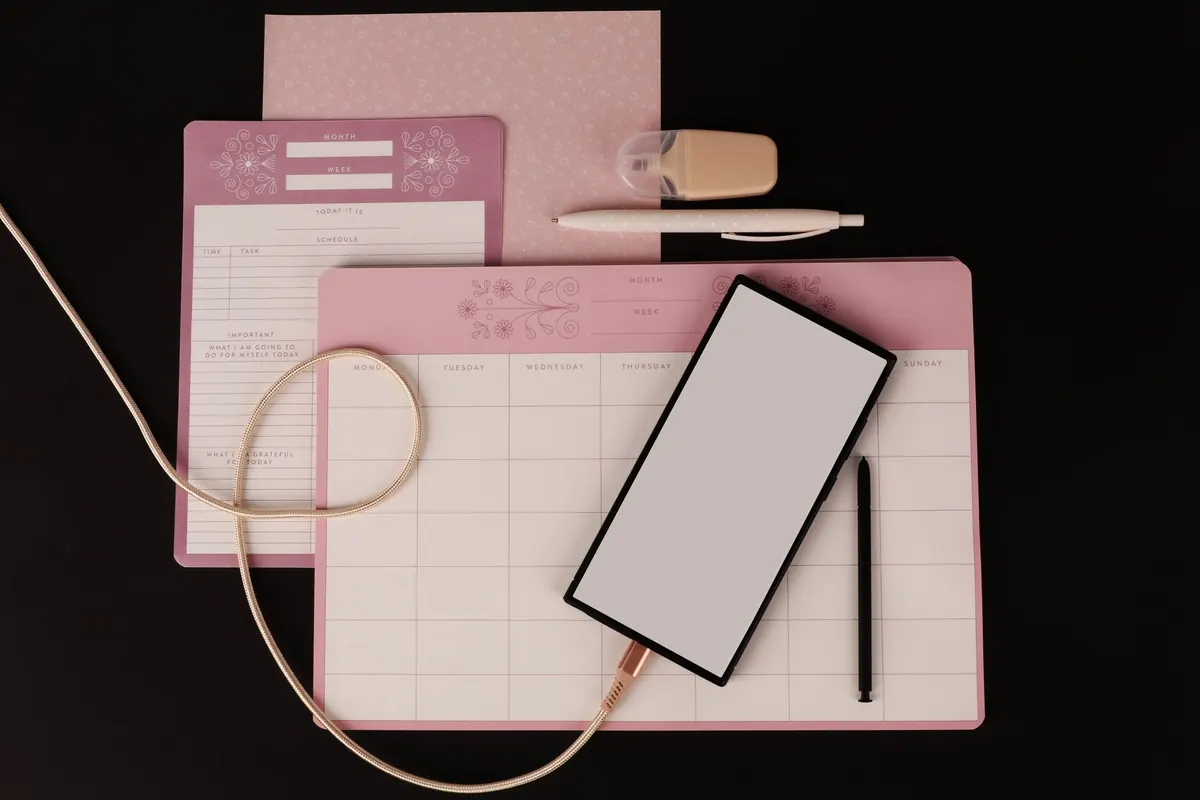
A notebook and a phone both fit in a coat pocket, and both will hold your thoughts for years. The difference is in how the words get down, how you find them again, and what you remember afterwards. The useful question isn't which format wins in the abstract. It's which one suits the job in front of you.
Speed: where each format pulls ahead
Raw speed depends on the task. If you type comfortably and write by hand slowly, a keyboard wins whenever there are a lot of words to capture: a meeting, a lecture, a client call with six decisions buried in it. Typing also lets you restructure as you go — drag a paragraph, add a heading, paste in a reference.
Paper wins a different kind of speed: the first few seconds. No unlock, no notification banner, no waiting for an app to load. A pen on a page is available immediately, which matters when an idea arrives while you're walking to the bus. The gap between thinking and capturing is where notes get lost, and paper usually has the shorter gap.
Before you decide, test the friction in your current setup:
- Can you reach a blank page in under three seconds, without unlocking anything?
- Can you start a new note with one action rather than four taps through a menu?
- Does it work offline, on a train or in a basement meeting room?
- Can you add a sketch, a diagram or a margin note without arguing with a text cursor?
Most note-taking frustration lives in those first ten seconds, not in the writing itself.
Searchability: the biggest practical difference
Digital wins this one clearly. Searching several years of typed notes takes a moment, and tags, folders and internal links let you pull together everything on a project without remembering when you wrote it. Some apps will read your handwriting from a scanned page, though accuracy varies and it's no substitute for typing the words in the first place.
Paper can be searched too, but only if you build the index yourself. Number your pages. Put a date at the top of every entry. Keep a simple index at the front of each notebook listing the page numbers for anything you might want again. Working in one notebook per topic helps, as does keeping them together rather than scattered across three rooms.
Consistency beats cleverness here. An index you actually maintain for six months is worth far more than an elaborate system you abandon after a fortnight. And be honest about the real problem: a messy digital pile and a messy shelf of notebooks fail in exactly the same way. Search only helps if there is something worth finding.
Retention: why handwriting feels stickier
Write by hand and you cannot keep up. That limitation is the point. Because you can't transcribe every word, you compress, choose and rephrase — and rephrasing is thinking. Type at full speed and it's easy to copy a sentence down without ever deciding what it means.
The medium isn't destiny, though. A handwritten page you never open again will fade as quickly as a typed one. What makes notes stick is what happens afterwards: summarising in your own words, turning headings into questions, closing the notebook and trying to recall the main points before checking. If you type everything, add a two-line summary at the top of each note and three takeaways at the bottom. Then use them.
Cost, upkeep and the long game
Paper looks cheap per notebook, but good paper, a pen you like and a few notebooks a year add up. Digital brings subscriptions on top of a device you may already own, and those subscriptions creep. Neither is expensive in absolute terms. The cost that catches people out is maintenance.
Paper needs shelf space, and notebooks do not survive a burst pipe, a damp garage or a house move. Digital notes need attention too: backups, exports, and a plan for the day an app you rely on shuts down or changes what it charges. Where you can, keep notes in a format you can open without the app that created them — plain text or Markdown files in a folder you genuinely back up. Before committing a year of thinking to a service, check how you would get it all out again.
A hybrid setup that works
Most busy people end up using both, split by job rather than by preference. A workable version looks like this:
- Capture on paper. One notebook, one pen, no decisions. Meetings, phone calls, half-formed ideas, anything you'd otherwise lose.
- Empty it daily. Ten minutes at the end of the day. Type up anything that needs to be found later, tick off anything now done, and cross out anything that no longer matters.
- Write the important things digitally. Project notes, research, planning documents and anything you will need to search, share or edit belong in a keyboard-created file.
- Keep one searchable home. Decide where a note lives once and for all. A single folder of plain files with clear names beats five apps you half-use.
- Review weekly. Twenty minutes to file loose pages, close finished projects and read back over what you wrote. This is the step people skip, and it is the one that makes the system worth having.
The rule of thumb: paper for thinking, digital for finding.
Where to start this week
Choose a default and be boring about it. If your work is mostly meetings and documents, make digital your home and keep a small notebook for capture. If your work is physical, visual or unpredictable, make paper your home and type up only what you need to find again.
A note you never revisit is only a receipt for the time you spent writing it.
Then run one week of honest testing. Capture in the same place every time, sort it at the same point each day, and notice what you reach for when you're tired, rushed or away from your desk. Whichever format you keep reaching for is your answer. Stop debating it, and get on with the writing.
Photo: Joslyn Pickens / Pexels