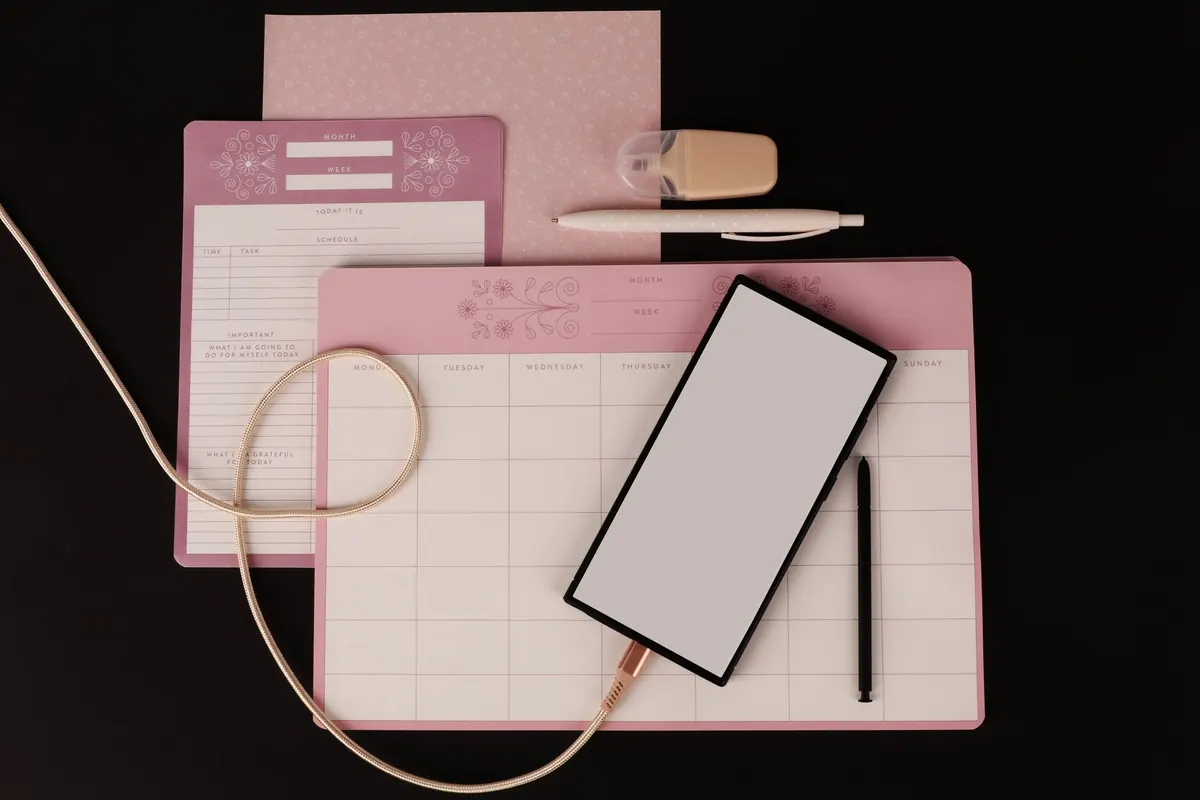
There is a particular optimism to a bright September morning: the urge to start something, buy a new notebook, sharpen a pencil. It rarely survives October. What does survive is a system light enough to keep using, and autumn — with its early evenings and fresh-start feel — is the best point in the year to give your notes a proper sort-out. Not a dramatic overhaul. A reset: clear the decks, archive what has already done its job, and leave yourself somewhere easier to think.
Why autumn suits a reset
Notes pile up quietly. A system that felt roomy in January is, by September, full of half-finished lists, meeting notes from a project that ended in March, three versions of the same shopping list and a phone note that says only “ring back”.
Most note systems don’t collapse because people stop writing. They collapse because the pile becomes too heavy to open. A seasonal reset lowers that weight without asking you to change how you work. Summer’s notes are finished; autumn’s haven’t started. That gap is a natural line to draw.
Start with an honest inventory
Set aside an hour. Make a drink, close your email, and open every place notes actually live: the main app, the quick-capture notes on your phone, the paper notebook in your bag, the stack of index cards by the kettle, the drafts folder you never open.
Then put each one through the same three questions:
- When did I last look at this?
- Does it still point at something I am doing?
- Could I find the same information somewhere else in under a minute?
Be honest about duplicates. Many people discover that most of what they have saved is a copy of something already stored properly elsewhere — a bank statement, a meeting invitation, a recipe they have cooked twice. Marking those as “keep” is what makes a note system feel heavy.
Archive rather than delete
Deleting is satisfying, and occasionally a mistake. Archiving costs almost nothing and removes the regret. It keeps the useful part of your notes — the reasoning, the half-ideas, the names of people you spoke to — available without cluttering your everyday view.
How to archive well
- Keep whole notebooks together rather than tearing out pages. The pages around an idea often explain it.
- Label each bundle with a date range and one line of context: “Work journal, January to June. Client onboarding, pricing notes, two unfinished drafts.”
- Put it out of the daily flow but within reach: a labelled box on a high shelf, an “Archive” folder outside your sidebar, a single archive notebook.
- Keep digital archives searchable. Moving something out of sight should not mean losing the ability to find it.
What not to keep
Not everything deserves a second life. Transient logistics, duplicates, appointment confirmations and notes that simply restate a document you already have can go.
If a note holds a decision, a reason or a name you would otherwise forget, keep it. If it holds only a fact you can look up in ten seconds, let it go.
Simplify your folder structure
Over-building is the commonest mistake. Someone starts with four folders, adds a subfolder for each client, then a sub-subfolder for each year, and within a few months nobody — including them — knows where anything belongs.
Aim for five or six top-level folders, and no more than one level beneath them:
- Inbox — where everything lands first, untouched
- Projects — anything with an end date
- Areas — ongoing responsibilities: home, money, health, family
- Reference — material you look things up in
- Archive — everything finished
Two habits make this work. First, name time-bound notes with the date first — “2025-09-14 planning meeting” — so they sort themselves. Second, let tags earn their place: if you have not used a tag this month, delete it. One tag you use weekly is worth more than twenty you scroll past.
Set up your autumn projects
Autumn projects tend to be practical. A course you have signed up for. A book you keep meaning to write. A garden to put to bed. A budget to rebuild before December. A language you have been circling for two years.
Give each one a single project note, and keep the following in it:
- One sentence describing what finished looks like.
- The next three actions, written as verbs — “email the registrar”, not “admin”.
- Links to existing notes that already relate to it, rather than copies of them.
- A review date, such as the first Monday of each month.
- A place you will actually see it, not a folder three levels down.
Then cap the number. Two or three live projects is plenty; a list of nine is a wish list with extra steps. If a project slips, move the whole note to the archive without ceremony and take the lesson with you.
Ten minutes a week keeps it light
The reset is the easy part. Keeping the system open is what matters between now and spring.
Pick one evening — Friday after work, or Sunday before the week starts — and spend ten minutes: empty the inbox, file what belongs somewhere, delete what does not, and add a line to each project note about what moved. If you miss a fortnight, don’t rebuild anything. Just do the next ten minutes.
If you also work on paper, keep the numbers small: one capture notebook in your bag, one reference notebook on the desk, one box for the archive. And whatever app you use, check this week that a backup exists and that you can actually restore something from it. A reset that ends with a working safety net is worth the hour it took.
Photo: Nennieinszweidrei / Pixabay